Skip to content
GuiaBase.

MAKE YOUR DAY A LITTLE EASIER

Your photos are on your phone. Get them onto your computer.

The photo is on your phone. Your work is on your computer. AirDroid Personal lets you move files between your devices and manage your Android from another device.

See how to get started I need to solve a different task ↓

Compare first. Buy only if it fits.

Advertisement · We may earn a commission from eligible purchases through these links. Check prices, availability and terms with the provider.

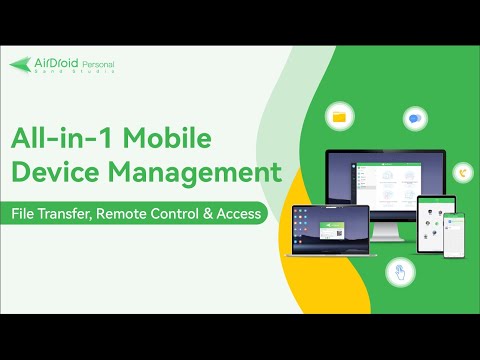
Official video of AirDroid Personal
See the product in action.Official AirDroid demonstration · Opens on YouTube.

START WITH WHAT YOU WANT TO DO

What would make your day easier?

Choose a task. We show you the matching option.

AirDroid Personal

Your files, where you need them.

The photo is on your phone. Your work is on your computer. AirDroid Personal lets you move files between your devices and manage your Android from another device.

  • Photos and documents on your computer
  • Files between your devices
  • Manage your own Android
See how to get started with Personal

Official site · Downloads, features and plans.

Does it work on my devices?Files between Android, iPhone, Windows and Mac. Phone management and control features are for Android.

Do I need to pay?Try free file transfer first. Premium increases remote transfer limits; you do not need to pay for every transfer.

When is a free option enough?

For a one-off photo transfer, a USB cable or your devices’ built-in transfer tool may be enough.

What should I check before buying?

Check plan limits and your device combination. File transfer support does not imply full remote control on every operating system.
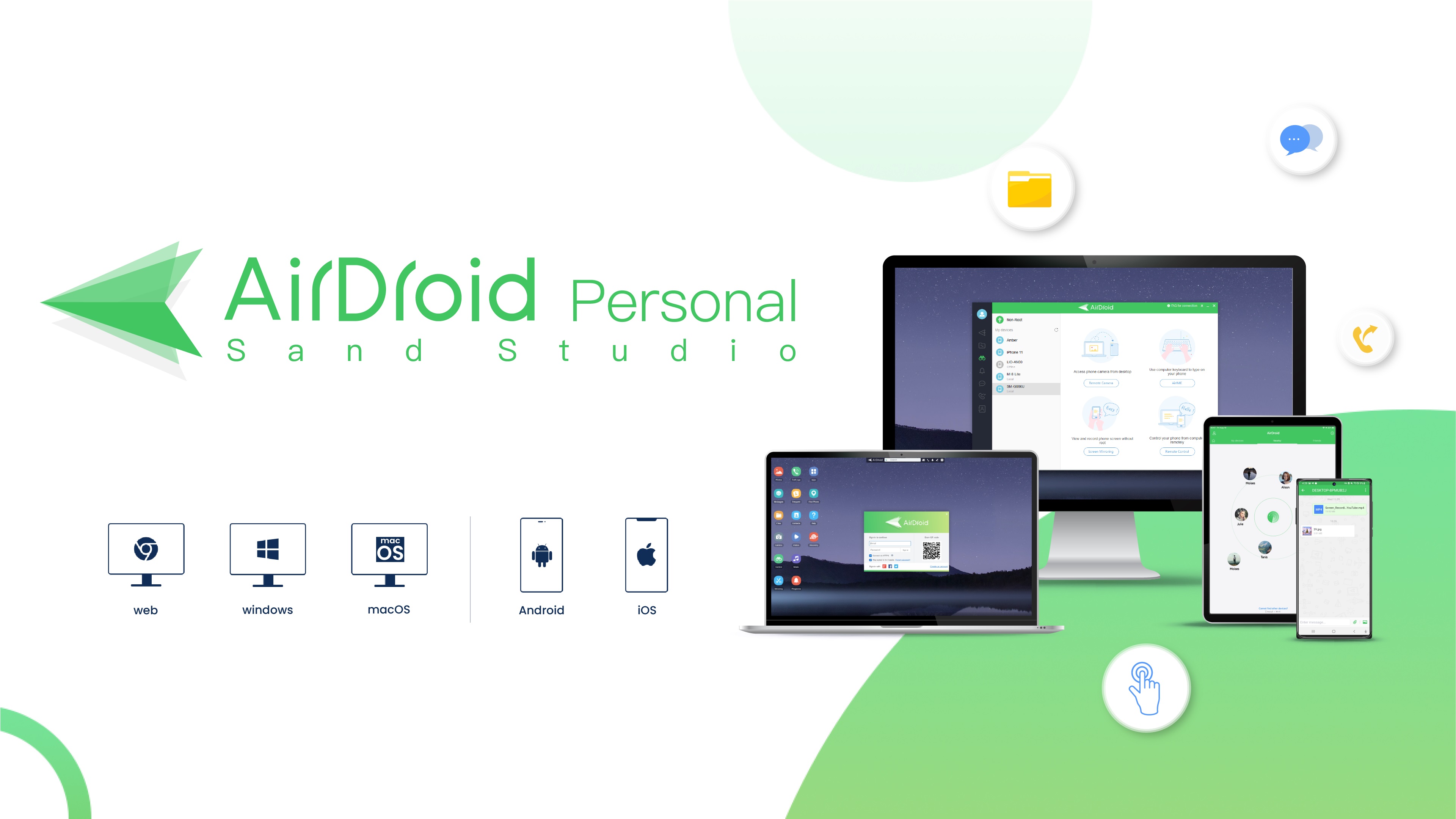
AirDroid Personal · Official product image supplied by the advertiser.
Official product image supplied by the advertiser.
HOW TO GET STARTED

From idea to action.

  1. Install AirDroid Personal on your devices.
  2. Connect your devices with your account.
  3. Choose a file and send it to the other device.
View the manufacturer’s guidance ↗

AirDroid Cast

Give your idea a bigger screen.

Show an app, a presentation or what you are viewing on your phone. AirDroid Cast brings that screen to another device so it is easier to share.

  • Presentations from your phone
  • App demonstrations
  • Screen sharing on another device
See how to get started with Cast

Official site · Downloads, features and plans.

Does it work on my devices?Android or iPhone, with Windows, Mac or a browser. Screen mirroring and device control are different features.

Do I need to pay?Free supports mirroring on the same Wi-Fi network. Basic adds remote networks, USB and AirPlay; Standard adds control, subject to compatibility.

When is a free option enough?

If built-in screen sharing already does the job, use it. On the same Wi-Fi network, try Cast Free first.

What should I check before buying?

Mirroring and remote control are different. Cast Web does not control your phone; check the desktop app, device and plan for that capability.

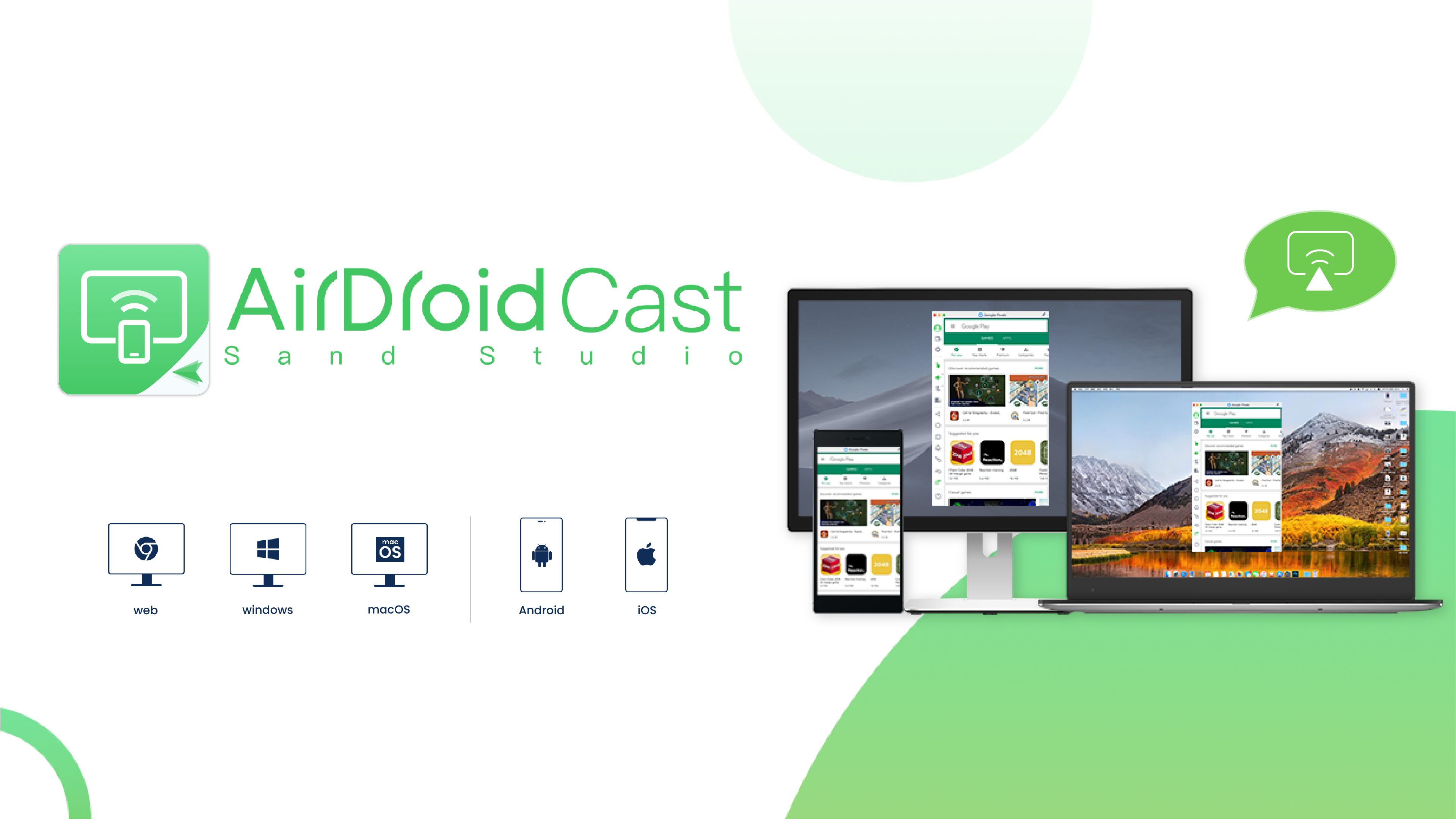
AirDroid Cast · Official product image supplied by the advertiser.
Official product image supplied by the advertiser.
HOW TO GET STARTED

From idea to action.

  1. Open Cast on your phone and the receiving device.
  2. Connect with the code or QR.
  3. Allow screen sharing and show your screen.
View the manufacturer’s guidance ↗

AirDroid Remote Support — Personal

Help without guessing what they see.

When someone says “I can’t find the button”, seeing their screen changes the conversation. AirDroid Remote Support Personal helps you guide family and friends from a distance.

  • Guidance while viewing the same screen
  • Help for family and friends
  • Sessions with their permission
See how to get started with Remote Support — Personal

Official site · Downloads, features and plans.

Does it work on my devices?You use AirMirror; the other person uses Remote Support on Android or iPhone. Gesture control depends on the system and available features.

Do I need to pay?Check the minutes and features in the personal plan. Screen sharing does not mean unrestricted phone access.

When is a free option enough?

A call or screenshot may solve a simple question. Use a remote session when seeing the screen makes a difference.

What should I check before buying?

Screen sharing is not full device control. Check the system and permissions; never request banking codes or passwords.

HOW TO GET STARTED

From idea to action.

  1. The other person opens Remote Support.
  2. They share the session code and allow the connection.
  3. You guide them while viewing the shared screen.
View the manufacturer’s guidance ↗

AirDroid Parental Control

Support their digital life.

A first phone brings new questions. AirDroid Parental Control brings together tools to support device use and set family boundaries.

  • Screen-time limits
  • Support with app usage
  • Features depend on system and plan
See how to get started with Parental Control

Official site · Downloads, features and plans.

Does it work on my devices?On the child’s device: Android 8 or later, or iOS 15 or later. iPhone features are limited compared with Android.

Do I need to pay?Check the available trial, included devices and renewal. Not every advertised feature works on both systems.

When is a free option enough?

For basic screen-time limits, Android and iPhone family controls may be enough.

What should I check before buying?

Android and iOS have different features. Discuss age-appropriate boundaries, respect privacy and do not use this to monitor other adults.

HOW TO GET STARTED

From idea to action.

  1. Discuss limits and how you will support them.
  2. Link devices with appropriate notices and permissions.
  3. Set up the features available on your family’s devices.
View the manufacturer’s guidance ↗

Need it for a business? View device management and professional support

CHOOSING WELL IS PART OF THE SOLUTION

One task.
The tool that fits.

Need the file?Personal, to move it to another device.

Need to show what you see?Cast, to share your screen.

Need to help someone?Remote Support, to guide them from a distance.

FOR YOUR OPERATIONMultiple devices or customers needing help?Device management and professional support.

AirDroid Business

Your devices, managed together.

When your operation depends on multiple devices, you need to view and manage them together. AirDroid Business offers centralised management for that task.

See how to get started with Business

Official site · Features, trial and plans.

Devices and usageFor business device management. Check the operating systems and versions supported across your fleet.

How to choose a planChoose by device count and required features. A personal licence does not replace a business plan.

Plans, devices and permissions

Compare supported operating systems, device counts and features in each plan. This is a business product, distinct from Personal.

AirDroid Remote Support — Business

Support customers from wherever you are.

Help customers or your team with a tool designed for professional remote support.

See how to get started with Remote Support — Business

Official site · Features, trial and plans.

Devices and usageFor professional support sessions. Check the technician’s and customer’s systems, permissions and access type.

How to choose a planChoose by technicians, sessions and support features. A personal plan does not replace a professional licence.

Plans, devices and permissions

Check licensing, devices and permissions. Sharing an iPhone screen does not mean full iPhone control.

BEFORE THE NEXT STEP

What is worth knowing.

Files or screen sharing?

Personal helps you move and manage files. Cast helps you show a screen. Choose based on the result you need.

Does screen sharing mean remote control?

No. Seeing a screen is different from being able to interact with it. Check the specific app, operating system and plan.

Do I need a GuiaBase account?

No. You can open the product directly. Purchasing, any required account and software support are handled by AirDroid.

Where do I check the price?

On the official product page. Check currency, billing period, renewal, devices and included features. GuiaBase does not display a fixed price or promise a discount.

Has GuiaBase tested these apps?

This is a documentary comparison of official product pages reviewed on October 2, 2026. It is not a hands-on benchmark or a performance guarantee.

You know what you want to solve.

Your next step starts here.

See how to get started

AirDroid provides prices and terms. You decide whether it fits.

About this selection and its sources

We grouped six options by task, audience and limitations described by the provider. The order follows the use case; it is not a performance ranking. We have not hands-on tested these apps.

Documentary review · October 6, 2026

Before purchasing, confirm your country, devices and required feature are supported. Prices, currency, billing and renewal terms are set by the provider.

Keep the thread

Find your next useful path.

Keep exploring from the question that matters most to you now.

Explore useful paths →